(800) 930-7954
Communicate worship schedules and sermon messages while engaging your congregation with visual technology.
View More
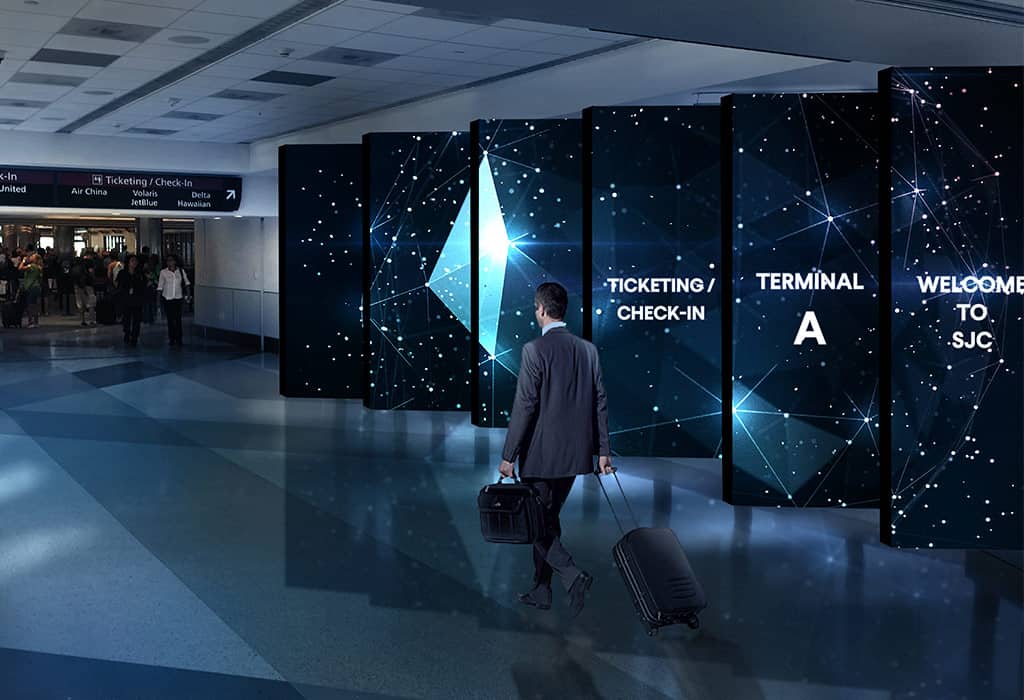
LED displays in transportation settings, such as airports, train stations, and bus terminals, serve as dynamic platforms for real-time information, advertising, and wayfinding, enhancing passenger experience with clear, up-to-date travel details and announcements.
View More
Differentiate yourself from the competition by incorporating a digital experience in your booth with our trade show LED displays.
View More
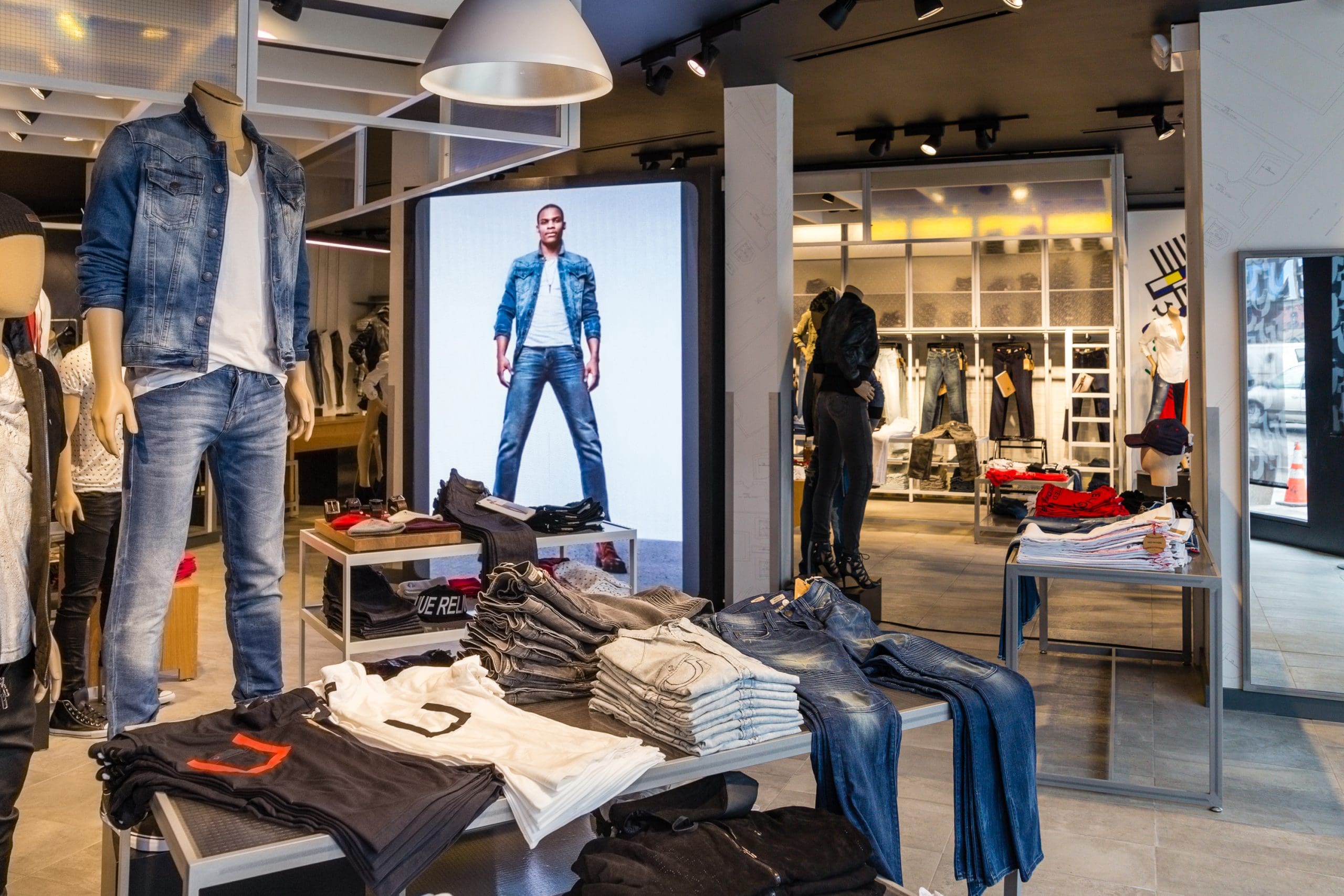
Communicate your brand’s message, stand out from the competition and engage your target market with LED digital signage.
View More
We offer creative solutions at cost-effective rates. You will be able to deliver your sermons more effectively and engage your congregation through one-of-a-kind lyric video walls and house of worship LED displays.
View More
Enhance ambiance, display interactive directories and wayfinding displays, and promote amenities and events to elevate the guest experience.
View More
Incorporate digital displays to enhance your students’ learning experience and market to prospective students and donors.
View More
Transform your corporate spaces with PixelFLEX LED video displays. Enhance communication, elevate branding, and create dynamic environments.
View MoreWritten by Briton Roberts, PixelFLEX with 7+ years at PixelFLEX across Technical Services, Product Management, and Engineering; 12+ years of soldering experience; has managed 1,000+ installations
The right content management system for digital signage in a corporate lobby is the one that matches who will actually be updating content day to day, and that integrates cleanly with whatever control system the building already runs. For most corporate lobbies, that means either a dedicated LED control platform paired with a scheduling tool similar to what is offered by AV integration partners like Adrenaline, or a full AV integration built around a media server and a system like Crestron or AMX.
A facilities or marketing team updating branding and announcements needs software built for that job: simple scheduling, drag-and-drop content swaps, and no command-line or programming knowledge required. An IT or AV team managing a more complex wall, live data feeds, multiple zones, synced video across large panels, can handle a more technical platform. Picking a content management system before knowing who’s going to run it day to day is one of the most common mistakes corporate buyers make.
A dedicated LED sending controller, paired with straightforward scheduling software, is often enough for a lobby wall that mainly loops branding, welcome messages, or a rotating content playlist. PixelFLEX used a Colorlight sending controller for United Bank’s Morrowcroft office display, a setup well suited to a team that needs reliable playback without heavy customization.
A full AV integration makes more sense when the display needs to tie into the building’s broader control system, room scheduling, digital signage across multiple screens, or on-demand content changes triggered by other building systems. PixelFLEX built exactly that setup for a technology leader’s Washington, D.C. headquarters wall: a media server connected to a Crestron system, letting staff reshuffle content without a technician on-site every time messaging changed.
Static branding and rotating graphics need far less from a content management system than live data dashboards, video walls with synced playback across multiple panels, or content that pulls from an external feed. Confirm the software supports the specific formats and refresh rates the lobby actually needs before committing to a platform, since not every CMS handles high-resolution video or real-time data equally well.
A lobby display is often the first thing a visitor or client sees, so a blank or frozen wall reflects poorly at the worst possible moment. Look for a platform with a failover option, whether that’s a backup player, cached content that plays automatically if a connection drops, or simple manual override. Uptime matters as much as scheduling features for a display in a high-visibility space.
What software runs content on a corporate LED lobby display?
Most corporate lobby walls run on either a dedicated LED sending controller with scheduling software, or a full AV integration using a media server tied into a system like Crestron or AMX. Which fits depends on how complex the content needs to be and who’s managing it.
Can a marketing team update lobby display content without IT help?
Yes, if the platform is chosen with that in mind. Simple scheduling and drag-and-drop content tools like Adrenaline’s CMS system let non-technical staff update branding and messaging without a technician on-site.
What happens if a lobby display loses its content feed?
A well-planned setup includes a failover option, such as cached content or a backup player, so the wall doesn’t go blank. This should be confirmed before choosing a platform, not after an outage happens.
Does a lobby display need the same control software as the rest of the building?
Not necessarily. A standalone wall with its own dedicated controller works fine on its own. Integration with the building’s existing AV control system is only needed if the display needs to sync with other systems or be managed from the same interface as the rest of the building.
Content needs vary a lot between a simple branding wall and a fully integrated lobby experience. Connect with our team to talk through what’s possible for yours.
The right LED display size for a corporate lobby depends on the room’s proportions, the furthest realistic viewing distance, and the content the wall needs to show, not a single formula or a target square footage. Most lobby installations end up between 8 and 20 feet wide, but the room decides that number, not a chart or a rule of thumb.
Written by Isaiah Snyder, Operations Manager at PixelFLEX with 10+ years in the AV industry, 8+ years focused on DVLED specifically; started in surface-mounted diode repair before moving into engineering LED hardware and software
Measure the wall space available first, then the floor space in front of it. A lobby with 30 feet of open floor in front of the wall supports a much larger LED display size than one where people pass within a few feet on their way to an elevator bank.
That measurement, more than any preset size chart, is what determines the right LED display size for a given space.
Viewing distance and pixel pitch determine how large a wall can be before the image looks soft, or how small it needs to be before individual pixels become visible up close. A wall sized for a lobby where people walk within 5 feet needs a finer pixel pitch than one viewed from across a 40-foot atrium, and that pitch decision affects what size makes sense in the first place.
The specific pitch math is covered in, What’s the ideal pixel pitch for a corporate lobby display viewed from 6-10 feet?.
A wall built to show full-screen video needs a standard aspect ratio like 16:9, and its dimensions should follow that ratio to avoid black bars or cropped content. A wall built mainly for branding, data dashboards, or a rotating mix of content has more flexibility, since a wider or taller shape can still work well if the content is designed for it. Decide what’s actually going to run on the wall before finalizing dimensions.
A curved or wraparound lobby wall doesn’t size the same way a flat wall does. PixelFLEX built an 18-fin curved display for NetApp’s headquarters lobby, wrapping the entrance into a single 360-degree focal point. That kind of layout is sized around the architecture itself, the fins and curve radius, rather than a flat width-by-height measurement, and it needs the display designer and the space’s architectural plans involved early.
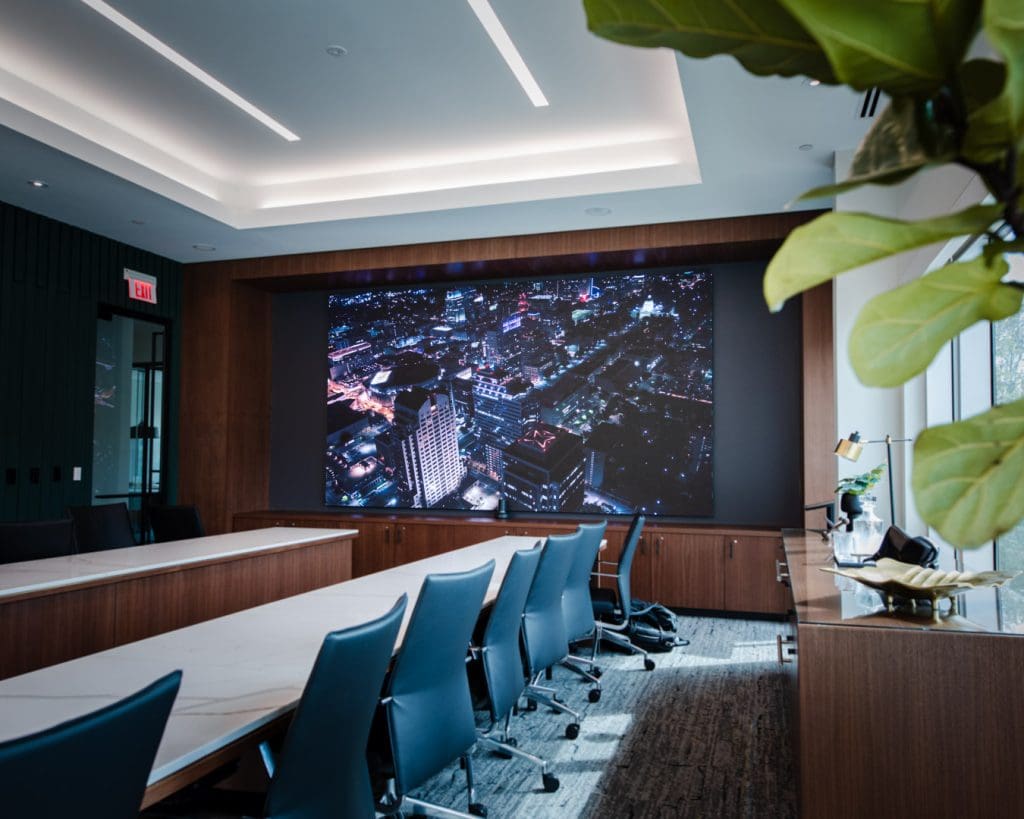
For scale, PixelFLEX installed a FLEXThin LED wall at United Bank’s Morrowcroft office with an LED display size that is roughly 13 feet wide by 7 feet tall for a meeting space, a useful benchmark for a mid-size display viewed at close range.
A lobby wall meant to be seen from across a larger open area typically runs larger than that, since it has more room to work with and a longer viewing distance to design around.
What size LED video wall is right for a small corporate lobby?
A smaller lobby with limited floor space in front of the wall generally works best with a display in the 6 to 10 foot wide range, paired with a finer pixel pitch since viewers will typically stand closer.
Does a lobby LED wall need to match a 16:9 aspect ratio?
Only if it will regularly show full-screen video content. A wall used mainly for branding or data doesn’t need to follow a standard aspect ratio and can be sized to fit the architecture instead.
How far should people stand from a lobby LED video wall?
It depends on pixel pitch, but most corporate lobby walls are designed around a closest viewing distance of 6 to 10 feet. Walls viewed from farther away can run a coarser pitch without any visible loss in quality.
Can an LED video wall fit into an oddly shaped or narrow lobby?
Yes. Curved, wrapped, and multi-surface designs can fit non-standard spaces, but they need to be engineered around the architecture from the start rather than adapted from a standard flat-panel layout after the fact.
Every lobby is a different shape, with different foot traffic and viewing distances. [Contact PixelFLEX] to talk through your space before finalizing a size.