 (800) 930-7954

 House of Worship
 Transportation
 Trade shows led display
 retail
 Creative Led Solutions
 Hospitality
 Higher Education
 Corporate LED











Written by Briton Roberts, PixelFLEX with 7+ years at PixelFLEX across Technical Services, Product Management, and Engineering; 12+ years of soldering experience; has managed 1,000+ installations
What Content Management Software Works Best for Corporate Lobby Displays?
The right content management system for digital signage in a corporate lobby is the one that matches who will actually be updating content day to day, and that integrates cleanly with whatever control system the building already runs. For most corporate lobbies, that means either a dedicated LED control platform paired with a scheduling tool similar to what is offered by AV integration partners like Adrenaline, or a full AV integration built around a media server and a system like Crestron or AMX.
Start With Who Updates the Content
A facilities or marketing team updating branding and announcements needs software built for that job: simple scheduling, drag-and-drop content swaps, and no command-line or programming knowledge required. An IT or AV team managing a more complex wall, live data feeds, multiple zones, synced video across large panels, can handle a more technical platform. Picking a content management system before knowing who’s going to run it day to day is one of the most common mistakes corporate buyers make.
Dedicated LED Control vs. Full AV Integration
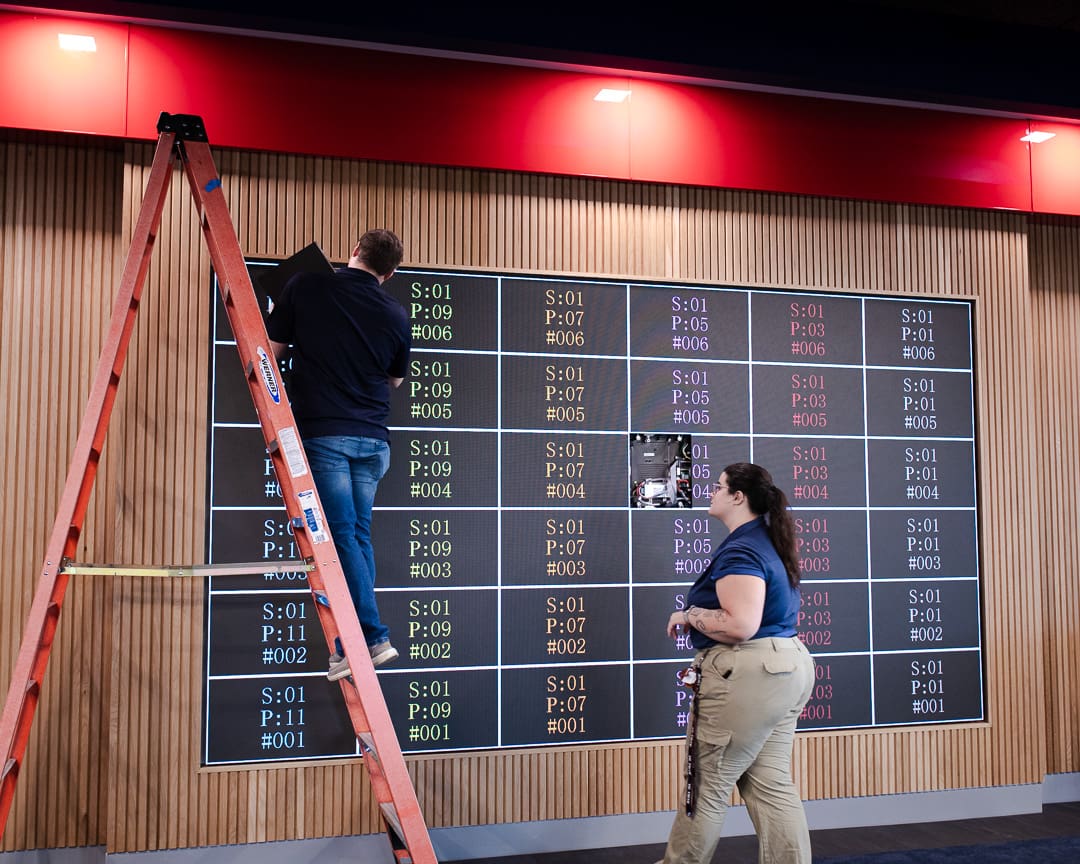
A dedicated LED sending controller, paired with straightforward scheduling software, is often enough for a lobby wall that mainly loops branding, welcome messages, or a rotating content playlist. PixelFLEX used a Colorlight sending controller for United Bank’s Morrowcroft office display, a setup well suited to a team that needs reliable playback without heavy customization.
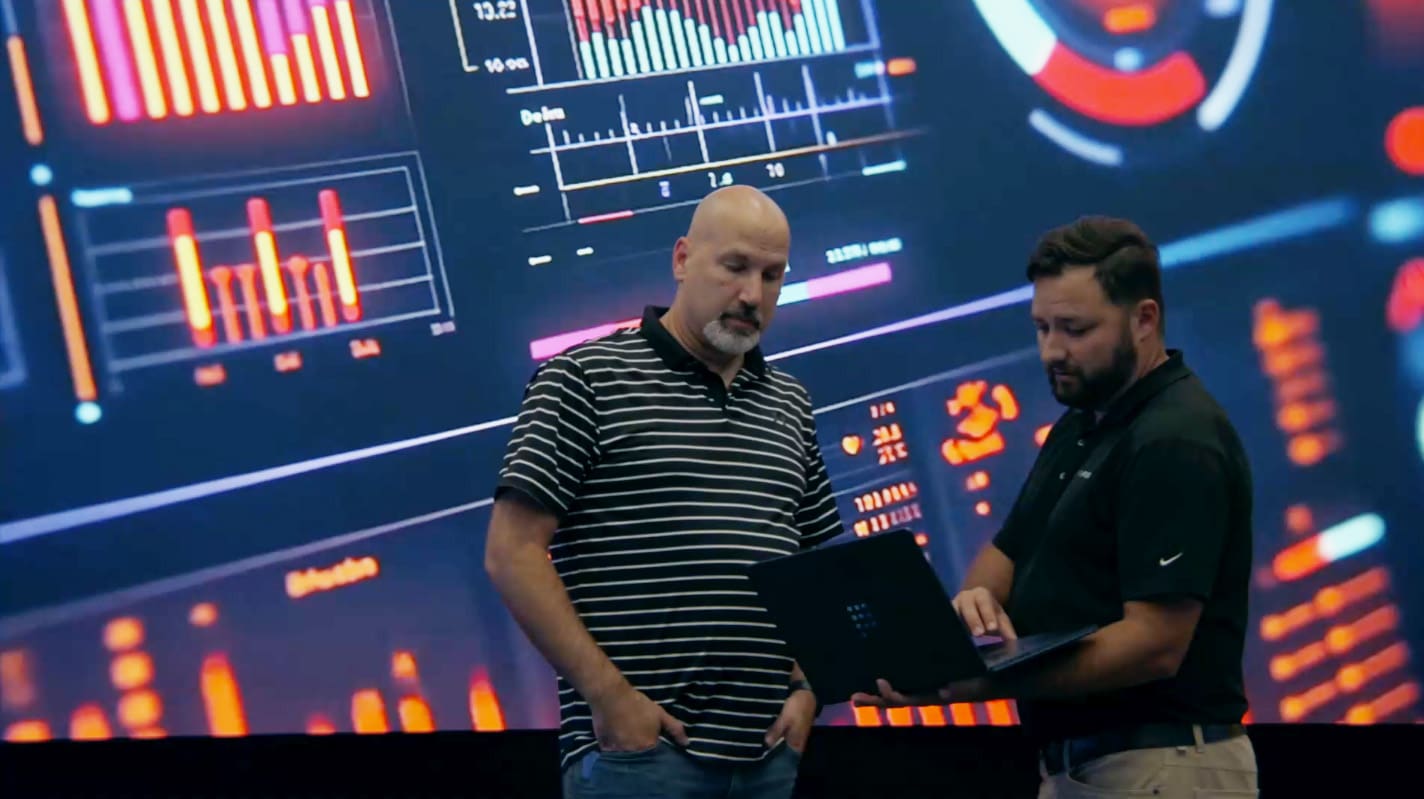
A full AV integration makes more sense when the display needs to tie into the building’s broader control system, room scheduling, digital signage across multiple screens, or on-demand content changes triggered by other building systems. PixelFLEX built exactly that setup for a technology leader’s Washington, D.C. headquarters wall: a media server connected to a Crestron system, letting staff reshuffle content without a technician on-site every time messaging changed.
Match Software to the Content Format
Static branding and rotating graphics need far less from a content management system than live data dashboards, video walls with synced playback across multiple panels, or content that pulls from an external feed. Confirm the software supports the specific formats and refresh rates the lobby actually needs before committing to a platform, since not every CMS handles high-resolution video or real-time data equally well.
Plan for Redundancy, Not Just Day-to-Day Use
A lobby display is often the first thing a visitor or client sees, so a blank or frozen wall reflects poorly at the worst possible moment. Look for a platform with a failover option, whether that’s a backup player, cached content that plays automatically if a connection drops, or simple manual override. Uptime matters as much as scheduling features for a display in a high-visibility space.
Frequently Asked Questions
What software runs content on a corporate LED lobby display?
Most corporate lobby walls run on either a dedicated LED sending controller with scheduling software, or a full AV integration using a media server tied into a system like Crestron or AMX. Which fits depends on how complex the content needs to be and who’s managing it.
Can a marketing team update lobby display content without IT help?
Yes, if the platform is chosen with that in mind. Simple scheduling and drag-and-drop content tools like Adrenaline’s CMS system let non-technical staff update branding and messaging without a technician on-site.
What happens if a lobby display loses its content feed?
A well-planned setup includes a failover option, such as cached content or a backup player, so the wall doesn’t go blank. This should be confirmed before choosing a platform, not after an outage happens.
Does a lobby display need the same control software as the rest of the building?
Not necessarily. A standalone wall with its own dedicated controller works fine on its own. Integration with the building’s existing AV control system is only needed if the display needs to sync with other systems or be managed from the same interface as the rest of the building.
Not Sure What Size Fits Your Space?
Content needs vary a lot between a simple branding wall and a fully integrated lobby experience. Connect with our team to talk through what’s possible for yours.